It makes the demo video too.
If you have no video, your agent records the real product and hands you a finished video with zoom, captions, and edits.
Autohunt's demo
Autohunt itself, recorded and edited with the same kit.
Raw and edited
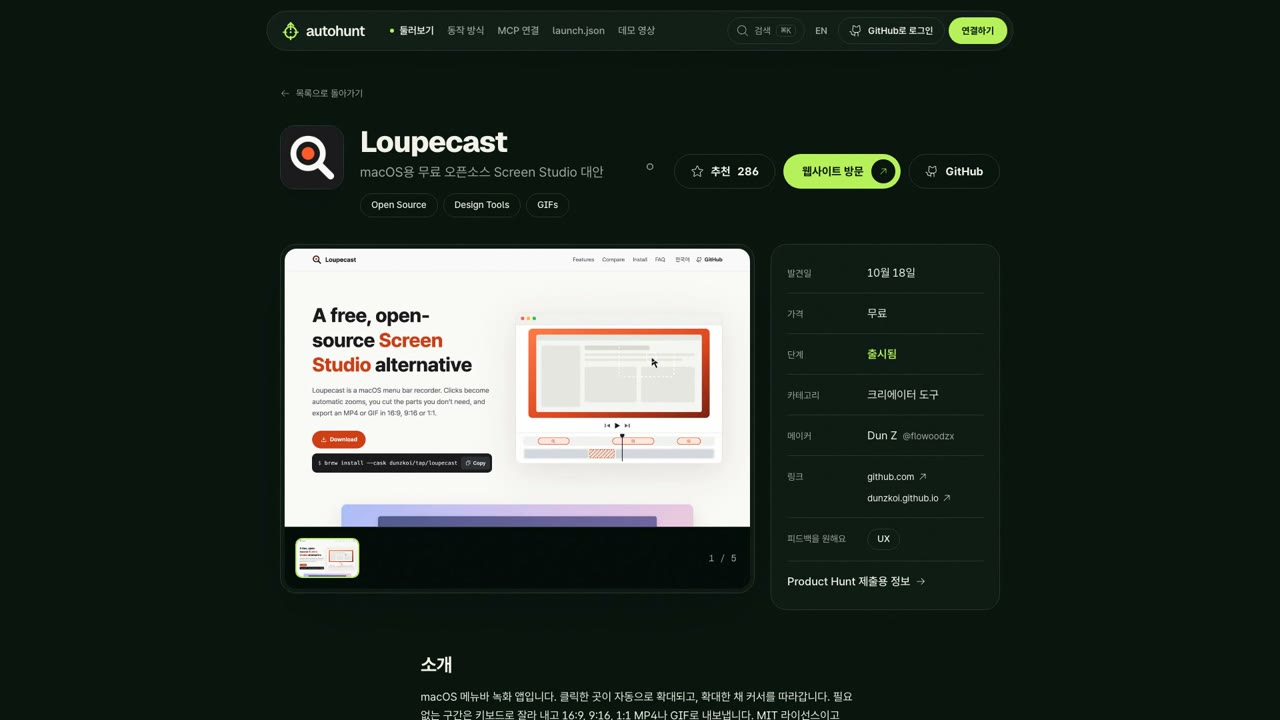
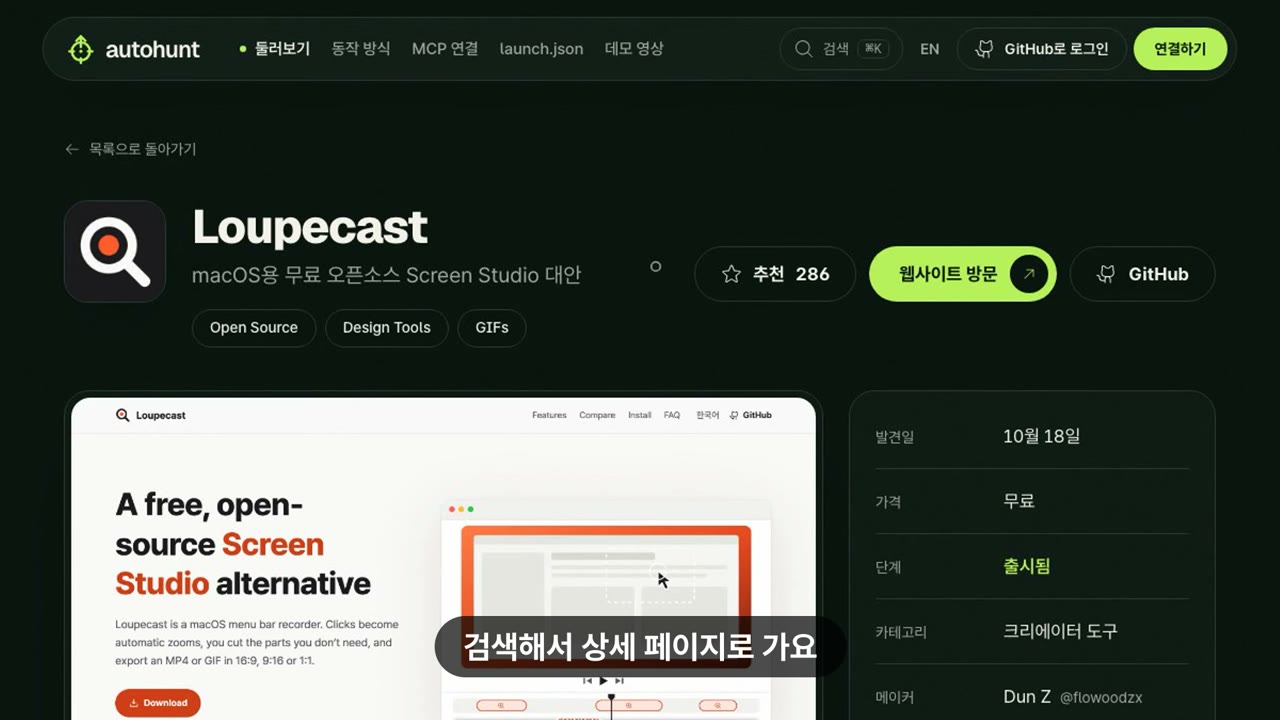
The same moment, from the raw recording and from the edit.
How it goes
1. It asks first
It looks for an existing video link first. If there is none, the one question round asks whether you have a demo video; the default is "No, make one".
2. You approve a shot plan
A table shows each scene's caption, what happens on screen, and its estimated length. The target: 30–60 s, the result within 3 s, 2–3 core actions, a 3 s end card.
3. It records
It records your local dev server or deployed URL at 1920×1080, with a cursor dot and click ripples, typing at 60–110 ms per key.
4. You approve a preview
One message holds the video's location, a frame per scene, and YouTube title and description drafts. Any change goes back to the plan.
5. You upload it
You upload to YouTube or Loom yourself and paste the link. The agent puts it in media.video.
Besides the first question round, this branch asks only twice: plan approval and preview approval. Unattended runs never make a video.
What the edit does
Every frame comes from the real running product. No slides, mockups, or generated video.
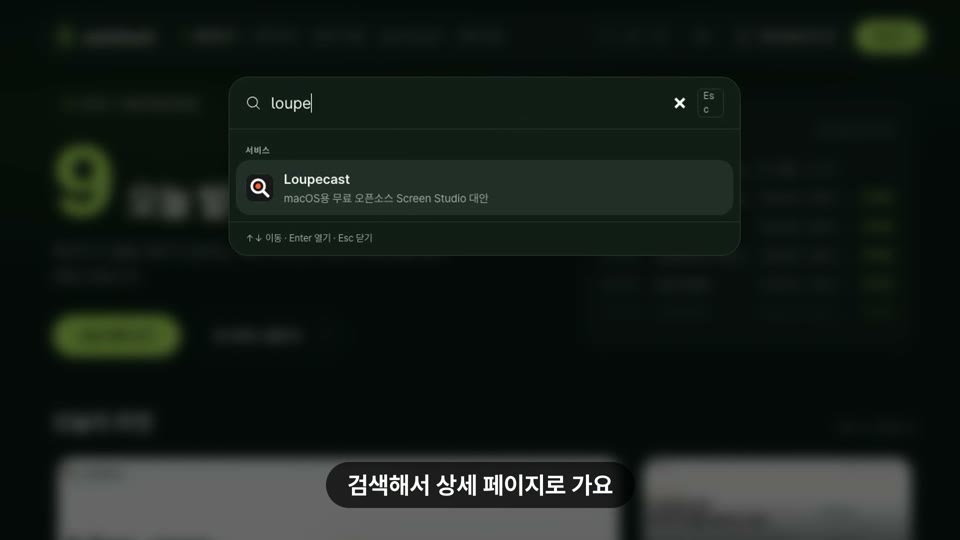
Each click zooms to 1.6× over 300 ms and holds 1.2 s. The zoom window never leaves the frame. 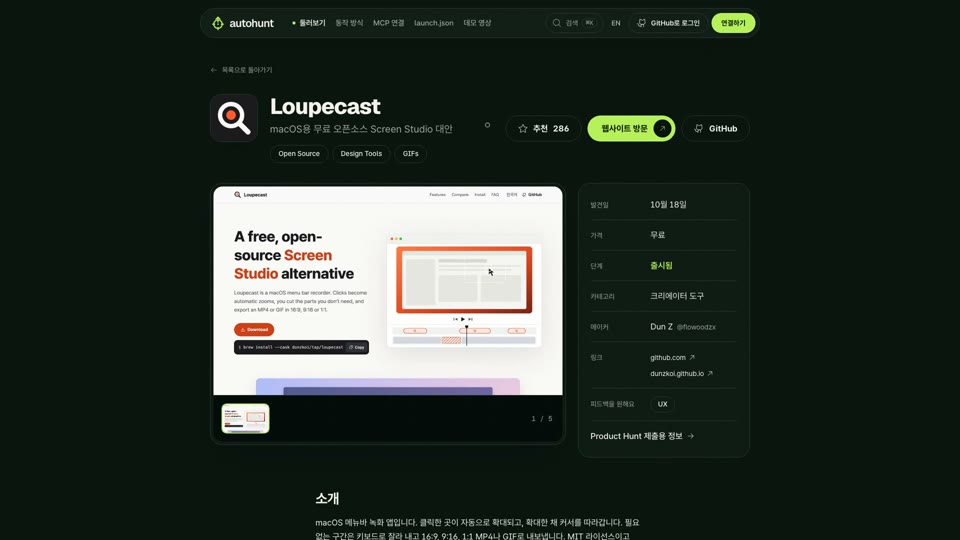
A 20 px cursor dot glides to the next target over 450 ms, with a ripple on click. 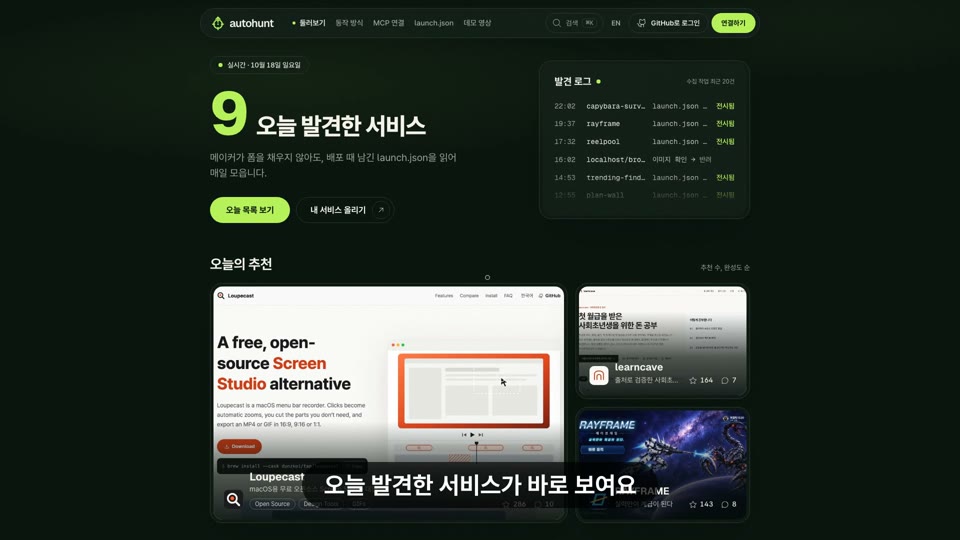
One line per scene: Pretendard Bold 48 px, bottom center on a 70% black rounded pill. 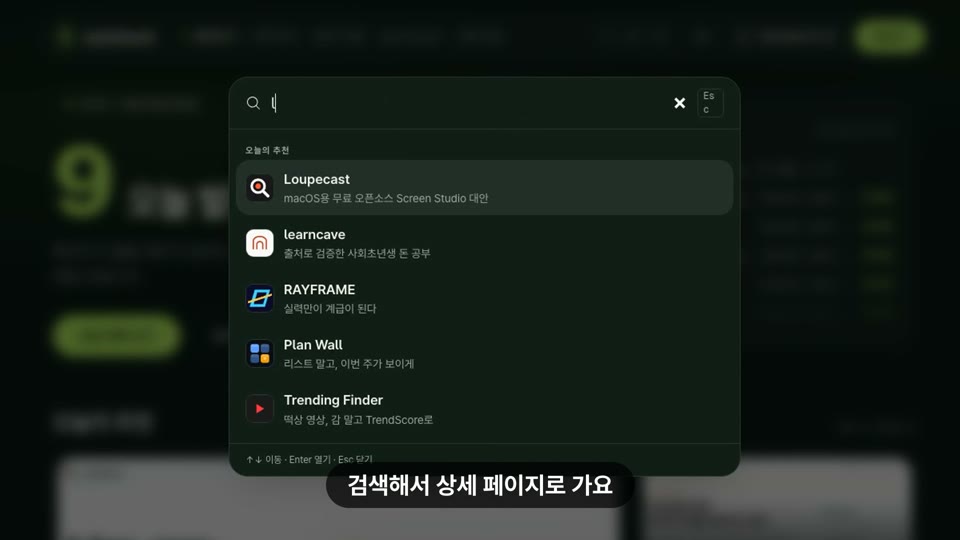
Loading and waits shrink to 0.3 s; typing plays at 2×. 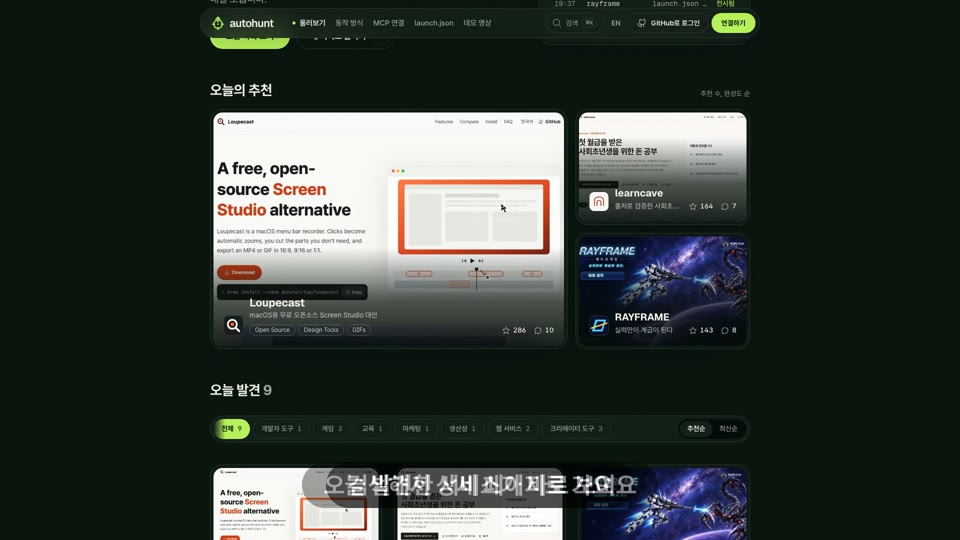
A 0.25 s crossfade between scenes. 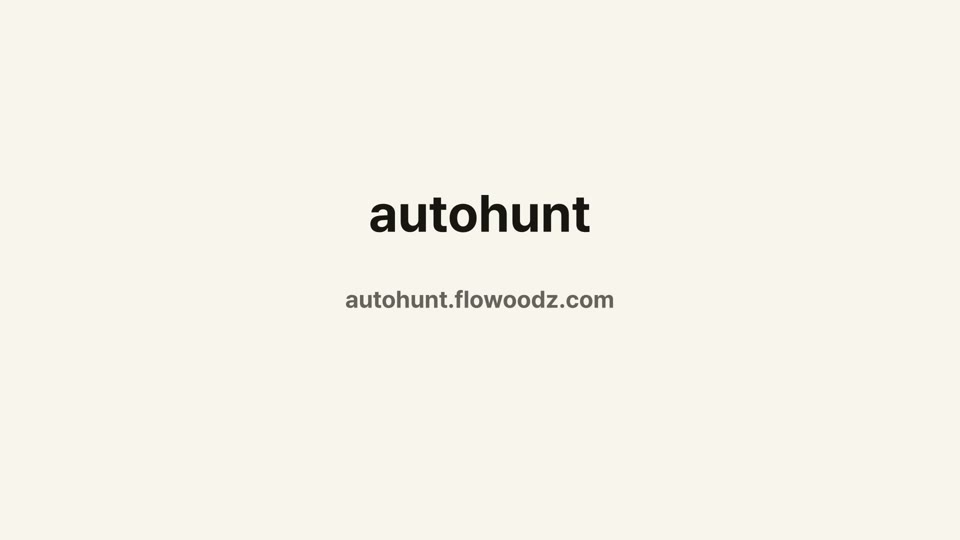
The last 3 s show the product name and URL on the brand paper.
The output is launch/demo.mp4 (1920×1080, 30 fps, H.264) and launch/demo.gif (first 6 s, 2 MB or less). If the GIF stays over 2 MB, it is skipped.
What you need
Recording and editing run on your computer. The agent writes the kit to .autohunt/demo-kit/ and runs it.
| What | What it does |
|---|---|
| WhatNode 20+ | What it doesRuns record.mjs. |
| WhatPlaywright Chromium | What it doesRecords the real page. If your project has none, record.mjs --setup installs it once in ~/.cache/autohunt/node. Your package.json is left alone. |
| Whatffmpeg | What it doesDoes the edit. The build needs libx264 (H.264) and libfreetype (drawtext captions). |
| Whatcheck.sh | What it doesChecks the three above and prints the exact install command for macOS (brew) or Linux (apt) when one is missing. It comes with autohunt_get_demo_kit. |
| WhatLoupecast | What it doesNative macOS apps are recorded with Loupecast (macOS 15+). Loupecast does the click zoom; edit.sh --captions-only adds captions, transitions, and the end card. |
| WhatWindows | What it doesOpen the project inside WSL (Ubuntu) and run the same commands. |